
In short
To properly automate WhatsApp bookings (confirmation on booking, a reminder the day before and one-tap cancellation) you need Meta's WhatsApp Business Platform connected to your calendar. Each reminder costs roughly 1.5–2 cents in Spain, and setup ranges from a few hundred to a few thousand euros depending on what it has to do. It depends on your business.
Free app or Meta's platform
The WhatsApp Business app is free and offers quick replies, away messages and labels, but you send everything by hand.
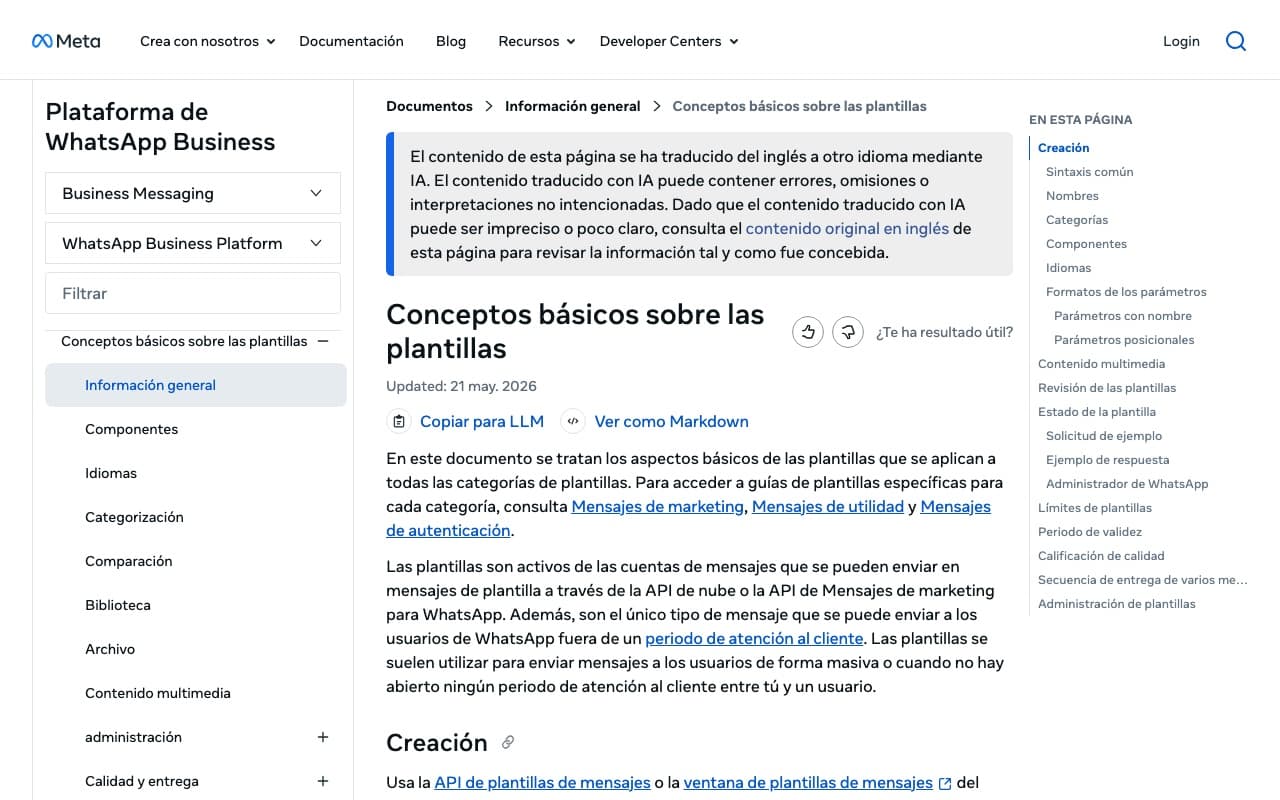
For messages to go out automatically, connected to your calendar, you need the WhatsApp Business Platform (the API). There, messages your business sends outside an open conversation must be templates approved by Meta.
The flow that works best
For a clinic, salon, garage or restaurant:
- The customer books on your website, by phone or by messaging you on WhatsApp.
- They instantly get a confirmation with date, time and address.
- The day before, a reminder with buttons to confirm or cancel.
- If they cancel, the slot frees up in your calendar.
- After the visit, a thank-you message with your review link.
No commitment
Free 30-minute consultation
We review your business, your website and your presence on Google, and tell you what we'd do first. Free, no commitment, by video call.
- A quick check of your website and SEO
- Concrete ideas to win more clients
- A rough quote if you need one
What it costs
Meta charges per message by type. Confirmations and reminders are utility messages: in Spain they cost roughly 1.5–2 cents each. Replies when the customer messages you first fall within a free monthly allowance.
Example: 400 reminders a month is about €6–8 in Meta fees. On top of that is the tool that connects WhatsApp to your calendar.
| Solution | What it does | Indicative setup | Monthly |
|---|---|---|---|
| Reminders connected to your calendar | Automatic confirmation and reminder | From a few hundred euros | Messages + tool |
| AI assistant that books | Understands free text, finds a slot and books | €800 – 3,000 | €50 – 150 |
| Full custom booking system | Website, dashboard, WhatsApp, payments or deposits | Custom | Depends on volume |
Does it reduce no-shows?
Appointment software vendors publish no-show reductions of 35–55% with WhatsApp reminders. Treat that as a sales figure: the real effect depends on your sector and customers. What is certain is that a reminder with a cancel button warns you in time to refill the slot.
Before you start
Check these points:
- Get customers' consent to message them on WhatsApp.
- Use a dedicated business number.
- Keep your calendar in a tool that can connect, not on paper.
- Prepare your template text: clear, short and signed with your name.
Ranges are indicative: the final price depends on your website, your project and what you need. We give you a fixed quote after a free call.
Frequently asked questions
Can I do this with the regular WhatsApp Business app?
You can reply faster with saved replies, but you can't send automatic reminders connected to your calendar. That needs Meta's platform.
Does the customer have to message me first?
No, but messages you send outside an open conversation must be Meta-approved templates.
Does it work for restaurants?
Yes: table confirmations, reminders and waiting-list alerts.
How much would it cost me?
It depends on your current calendar, booking volume and whether you want AI. In a free call we give you a range.