
In short
It's usually one of three things: the profile isn't verified or is suspended, the information is incomplete or doesn't match what people search for, or competitors have more reviews and are closer to the searcher. Google ranks local results by relevance, distance and prominence, and you can't pay to rank higher.
How Google decides which businesses to show
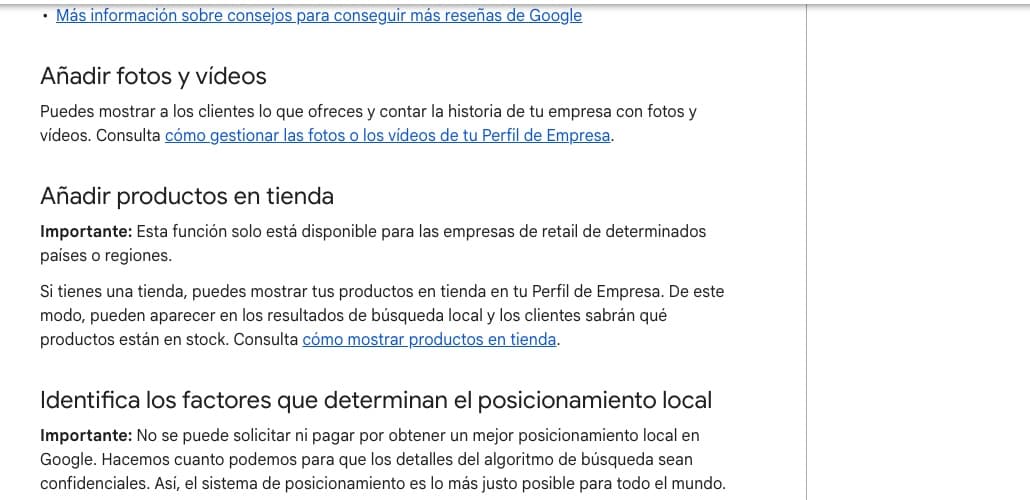
According to Google, local results depend mainly on three factors: relevance (how well your profile matches the search), distance (how close you are to the searcher) and prominence (how well known your business is, including reviews and links to your website). Google also states you can't pay to improve your local ranking.
The 9 most common causes
Work through this list in order:
- The profile isn't verified.
- The profile is suspended for breaking the guidelines (for example keywords in the name or a virtual office).
- The primary category doesn't match what people search for.
- The information is incomplete: hours, services, description.
- The searcher is far from your location or service area.
- You have few reviews compared with competitors.
- The profile is new and Google has few signals about your business yet.
- There are duplicate profiles for the same business.
- Your name, phone or website don't match across your profile, your website and directories.
No commitment
Free 30-minute consultation
We review your business, your website and your presence on Google, and tell you what we'd do first. Free, no commitment, by video call.
- A quick check of your website and SEO
- Concrete ideas to win more clients
- A rough quote if you need one
How to check
Before changing anything, run these checks:
- Open business.google.com and see whether the profile shows as verified or has any warnings.
- Search your exact business name on Google and on Maps.
- Search your service + your town on your phone with location turned on.
- Review the profile's performance stats: searches, views and actions.
What to do to show up more
Once the basics are sorted, this helps most:
- Complete 100% of the profile and choose categories carefully.
- Get reviews from real customers and reply to them.
- Upload real photos and post updates.
- Have a website with local pages that match your details.
- Be listed with the same details in reputable directories.

Ranges are indicative: the final price depends on your website, your project and what you need. We give you a fixed quote after a free call.
Frequently asked questions
Can I pay Google to appear on Maps?
Not for organic ranking. You can run ads, which are labelled as sponsored.
How long does a new profile take to appear?
It depends on verification and competition. Once verified, complete the profile and get reviews to speed things up.
My profile was suspended. What should I do?
Review Google's guidelines, fix the issue (for example the name) and request reinstatement from your profile.
Can you review my case?
Yes. It depends on your business and area. In a free call we review your profile and tell you what's wrong.